
Exchange Email + Microsoft Office
Exchange Email + Microsoft Office
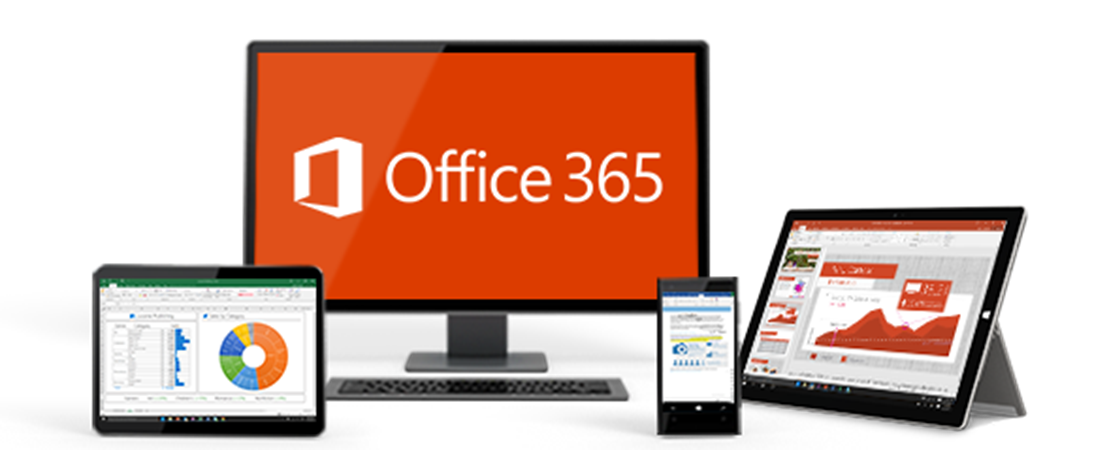
Available features with Premium:
- Email with 50 GB mailbox
- 1 TB file storage and sharing
- HD video conferencing
- Fully installed Office on PC/Mac
- Office apps on tablets and phones
- Office Online
Business Essentials
Online versions of Office with email and video conferencing
- Email with 50 GB mailbox
- 1 TB file storage and sharing
- HD video conferencing
- Office Online
Business Premium
Full Office on PC/Mac with apps for tablets and phones
- Email with 50 GB mailbox
- 1 TB file storage and sharing
- HD video conferencing
- Fully installed Office on PC/Mac
- Office apps on tablets and phones
Office 365 Business Premium includes:
Familiar Office tools
Office suite
Always have the latest versions of: 


- Capture your ideas however you work best—using a keyboard, pen, or a touchscreen.
- Easily format information in Excel with tools that recognize your pattern and autocomplete data.
- Easily incorporate content from PDFs to create your own great-looking Word documents.
- Design customized marketing materials that fit your brand and customers.

Office on PCs, tablets, and phones
Enjoy a fully installed Office experience across PCs, Macs, Windows tablets, iPad® and Android™ tablets, and most mobile devices. Each user can install Office on 5 PCs or Macs, 5 tablets (Windows, iPad, and Android), and 5 phones.

Email and calendars
Use business-class email through a rich and familiar Outlook experience you can access from your desktop or from a web browser using Outlook Web App. Get a 50 GB mailbox per user and send attachments up to 150 MB.

File storage and sharing
OneDrive for Business provides 1 TB of storage for each user for virtually anywhere access to their documents. Share files with others inside and outside your organization, control who can see and edit each file, and easily sync files with PCs/Macs and devices.

Online conferencing
Host online meetings with audio and video using one-click screen sharing and HD video conferencing.

Instant messaging and Skypeconnectivity
Connect with other Skype for Business users via instant message, voice calls, and video calls, and let people know your availability with your online status. Share presence, IM, and audio calling with Skype users.

Corporate social network
Yammer collaboration software and business applications allow your employees to connect with the right people, share information across teams, and organize around projects so they can go further, faster.

Team sites
Enable easy access and sharing of documents with 1 TB baseline storage plus 500 MB of storage per user.

Office Online
Create and edit Word, OneNote, PowerPoint, and Excel documents from a browser.

Work management

Professional digital storytelling
With Sway, a new Office 365 app, you can easily create engaging, interactive web-based reports, presentations, newsletters, trainings and more—right from your phone, tablet, or browser. Sways are easy to share and look great on any screen.

Search and discovery
Stay in the know. Search and discover content across Office 365 based on personalized insights. Office Delve is the first experience to be powered by Office Graph, a collection of analyzed signals or insights derived from each user’s behavior and relationships to content, topics, and contacts.